
DARK SOULS 3 Seamless Coop: Install and Play With Friends
Set up DARK SOULS 3 seamless coop on PC, connect with friends, manage separate saves, and fix common errors for a smooth journey through Lothric together.
Jump to
What Does Seamless Co-op Change?
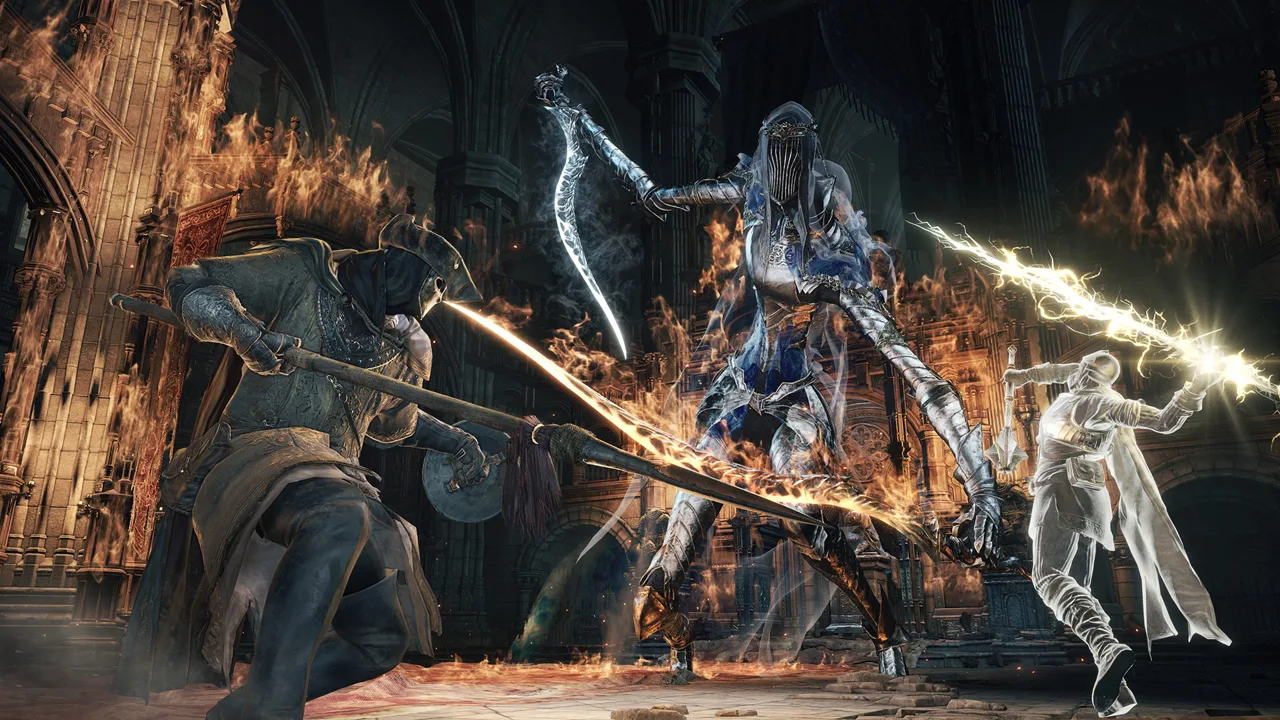
Beating a boss should give your party somewhere new to explore together. DARK SOULS 3 seamless coop keeps friends in the same session after boss victories and ordinary deaths, removing the repeated summoning that interrupts a shared playthrough. It lets you play with 5 other players, with progression earned together carrying over to each participant’s own world.
The mod changes several core multiplayer rules:
- Defeating bosses and clearing areas no longer dismisses your companions.
- Multiplayer boundaries that normally separate areas are removed.
- NPC dialogue and talk events synchronize across the party.
- Players can join the host from anywhere in the world.
- Ordinary deaths return players to their last rested bonfire without ending the session.
The goal is a continuous adventure from the tutorial through the final boss. However, this is an alpha mod, and bugs are part of the experience. Keep backups before committing a character to a long playthrough.
Official page: DARK SOULS™ III (bandainamcoent.com)
Requirements Before You Install
Seamless Co-op runs through Steam’s matchmaking interface and uses its newer networking API for peer-to-peer connections. Everyone needs Steam running and signed in, with Offline Mode disabled.
 Image: Steam / FromSoftware, Inc.
Check these game details before installing:
- Platform: Windows PC.
- Required game version: 1.15.2.
- Title-screen version numbers for that patch: App Ver. 1.15.2 and Regulation Ver. 1.35.
The January 12, 2023 update addressed bugs introduced in version 1.15.1. Match the actual game version across your group, along with the mod version.
You do not need another mod to run Seamless Co-op. Compatibility with additional mods has not been tested; anything that changes multiplayer behavior or the items Seamless Co-op uses can interfere with it. Start with Seamless Co-op alone when setting up your party.
How to Install Seamless Co-op
Close the game before placing files or editing settings.
- Download the Seamless Co-op (Dark Souls III) package. Extract the archive so you can access its contents.
- Find your game installation. In Steam, open the game’s Properties, select Installed Files, and choose Browse.
- Open the
Gamefolder. A typical installation path isC:\Program Files (x86)\Steam\steamapps\common\DARK SOULS III\Game. - Copy the package contents into that folder. Preserve the archive’s folder structure, including the
SeamlessCoopfolder. - Open
ds3sc_settings.ini. Set your chosen co-op password, then save the file. - Launch with
ds3sc_launcher.exe. Use this launcher whenever you want to play the mod.
Your Steam library can be installed on another drive, so use Steam’s Browse option instead of assuming the example path matches your PC.
Keep the package intact during extraction. Missing support files can prevent the mod from starting even when the launcher itself is present.
How to Host and Join Friends
Every player must configure the same session password in ds3sc_settings.ini. The mod requires a password for both hosting and joining; the base game’s network password setting does not replace this step.
To get your group connected:
- Have everyone launch through
ds3sc_launcher.exe. - Load a character and rest at a bonfire to receive the mod’s multiplayer items.
- Choose one player to host the session.
- Have the remaining players use the mod’s joining item to connect with the matching password.
Use a secure password and share it only with your party. Anyone who knows the session password can join immediately.
If someone disconnects, the connection system lets them rejoin the host from anywhere in the world. Before troubleshooting a failed connection, compare the game version, mod version, and password on every PC.
Death, Bonfires, Difficulty, and Invasions
Staying connected changes how your group handles setbacks. Ordinary exploration deaths leave the session running, but boss fights and invasions have their own death rules.
What Happens When Someone Dies?
Outside those encounters, a dead player respawns in the same world at the last bonfire they rested at.
Dying during a boss battle or invasion puts that player into limbo, where they spectate the survivors. That state lasts until the whole party has been defeated or a player rests at a bonfire.
Do not expect to keep rushing back into an active boss fight after dying.
Resting Affects the Whole Party
When one player rests at a bonfire, the world resets for everyone. If teammates are inside boss rooms, resting removes them from those rooms.
Call out before sitting down. A rest that seems harmless from your side can interrupt someone else’s fight.
Enemy Scaling Is Adjustable
The mod makes the game easier overall, even with the enemy health increases associated with additional companions. Scaling can be customized in the settings.
Adjust scaling with your group if bosses are falling faster than you want. Leave unfamiliar settings alone until you understand their effects.
Invasions Are Optional
The allow_invaders setting controls whether hostile players can enter your session:
allow_invaders = 1enables invasions.- Disable that option for a session without player invasions.
During an active invasion, warping and bonfire resting are blocked until the invader is defeated and banished.
To invade another session yourself, use the hairpin item. It connects you to a random eligible session within your matchmaking range.
Separate Saves and Ban Precautions
Seamless Co-op uses .co2 save files, while the unmodded game uses .sl2 files. The mod also blocks connections to FromSoftware’s normal matchmaking servers, keeping its multiplayer sessions separate from vanilla play.
Keep those save formats separate. Do not convert a Seamless Co-op save back into a vanilla save. The mod adds items that do not belong in the base game, and moving that data into vanilla play can result in a ban.
You can bring an existing vanilla save into the mod by making a copy of the .sl2 file and changing that copy’s extension to .co2. The mod’s items are then granted automatically in-game.
Back up the original before doing this, and preserve the untouched .sl2 file for normal play. Starting a new mod character avoids the conversion step altogether.
Common Installation and Connection Fixes
“seamlesscoop\locale not found which has no fallback”
The mod’s language files are missing from the expected location.
Check that the locale folder exists inside Game\SeamlessCoop. Extract the package again and preserve its folder structure when copying the files.
“Failed, Steam timed out”
This error points to a connection problem with Steam. Confirm that Steam is connected and that Offline Mode is disabled.
Steam maintenance can interrupt connections on Tuesdays. Wait for service to return before trying again; reinstalling the mod does not resolve a Steam outage.
Friends Cannot Connect
Work through the shared requirements before changing other settings:
- Confirm everyone is using the mod launcher.
- Compare game and mod versions.
- Compare the password saved in each player’s settings file.
- Make sure one player is hosting while the others are joining.
- Confirm Steam is online on every PC.
The networking overhaul cannot compensate for a poor internet connection.
The Launcher Does Not Start the Mod
Check that the package was installed in the actual Game directory. For a custom Steam library location, reopen the installation through Steam’s Browse option and compare it with the folder where you placed the mod.
If the problem persists with the correct installation, remove additional mods from the troubleshooting setup and test Seamless Co-op by itself.
FAQ
Will Updating the Mod Erase Your Playthrough?
Updating the mod does not reset your current playthrough. Keep a save backup, and have everyone install the same mod version before reconnecting.
Do You Need to Uninstall It to Play Normally?
No. Launch the game normally for vanilla play, or use ds3sc_launcher.exe for Seamless Co-op. To remove the mod completely, delete the files included in its downloaded package.
Continue with
 DARK SOULS 3 Mods: Overhauls, Challenges, and SetupExplore DARK SOULS 3 mods, including Convergence, Cinders, and Archthrones. Compare gameplay changes, protect your saves, and prepare for a new run on PC.
Continue exploring
Join the community
Official channels for news, updates and player help: